SOUNDCRAFTER DELIVERY REQUIREMENTS
What we need from you:
AAF file export with 6-second handles, at the same sample and bit rate as your picture session, with volume information included. (You'll find information on what an AAF file is in a separate box below.)
Video file export at the same frame rate as your picture session, with a mix down of the session’s audio included as a guide track.
AAF File Recommendations
Deliver the AAF file as a single file rather than a file and a folder with multiple files.
If the picture is cut in acts or reels keep the delivery organized the same way — in acts or reels.
It doesn't matter whether you're using head leader or not — we'll figure it out.
An older export method similar to AAF, called OMF, can also be used.
If the AAF files turns out too large, export by tracks rather than by sections of the show. Example: Export tracks 1 and 2 first (usually your top tracks are the busiest), then tracks 3 through 6 in a second AAF, and the remaining tracks in a third.
Video File Recommendations
Preferred video types: (1) AVID DNxHD, (2) Apple ProRes 422 Proxy or Apple ProRes 422 LT.
We'd rather not deal with large video files. A frame size of 1920x1080 is fine, but keep the resolution low enough that a 30-minute file stays under 8 GB, and a 90-minute file stays under 25 GB.
A table of file sizes is listed below. Example: an Apple ProRes 422 LT file at 1920x1080, with a data rate of 31 Mbit/s, comes to 6.96 GB for a 30-minute file and 20.88 GB for a 90-minute file.
Avoid H.264 — it can sometimes cause playback problems in Pro Tools. Only use H.264 if you need a small file size, such as when emailing a quick fix as an attachment.
Additional items needed (typically for larger projects):
A separate AAF export of any extra production audio tracks the filmmaker (or picture editor) thinks may be useful but weren't included in the main AAF export — this might include ambience or production effects recorded by the production mixer during the shoot.
On larger-budget features, we'll need a copy of the entire production audio, the production mixer's log sheets, and a line script. We use these to pull production effects and alternate takes to solve problems the picture editor wasn't able to fix. Going to alternate takes can sometimes help us avoid ADR recording altogether.
AAF stands for Advanced Authoring Format, and OMF stands for Open Media Framework. Both are technologies developed for transferring media between different platforms — for example, from Premiere or Final Cut Pro into Pro Tools. OMF is an older format and is rarely used anymore.
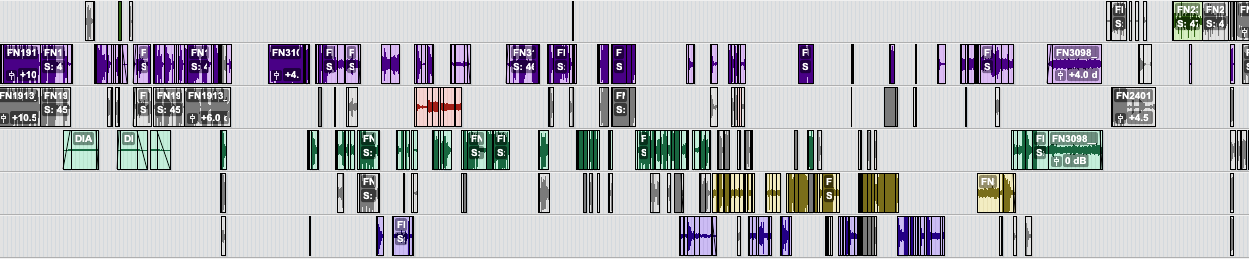
When an AAF file is imported into Pro Tools, all the audio is extracted as separate files and arranged as clips on the Pro Tools tracks, exactly as they appear in the picture editing software. Handles can be extended on either side of a clip, by the length specified in the picture editing software at the time of export — this keeps the AAF file at a manageable size. Volume and panning information is typically included in the AAF file as well.
What is AAF and OMF?
Video File Type Verses File Size for a 30 Minute Long Video File (1920x1080 resolution)
Apple ProRes 422 HQ Data rate: 82.90 Mbits/s, File size: 18.60 GB
Apple ProRes 422 Data rate: 49.51 Mbits/s, File size: 11.11 GB
Apple ProRes 422 LT Data rate: 31.01 Mbits/s, File size: 6.96 GB (This is best.)
Apple ProRes 422 (Proxy) Data rate: 18.86 Mbits/s, File size: 4.23 GB
H.294 (high quality) Data rate: 7.87 Mbits/s, File size: 1.79 GB